A Closer Look
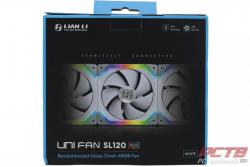
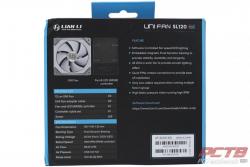
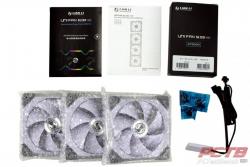
Lian LI’s UNI FAN SL120 fan comes in single fans and 3-packs that include a controller. We have the latter today to check out, in the white variant. Inside the box, each fan is individually wrapped in bubble wrap. You get three sets of screws, some paperwork, one connecting cable, and an accessory box.
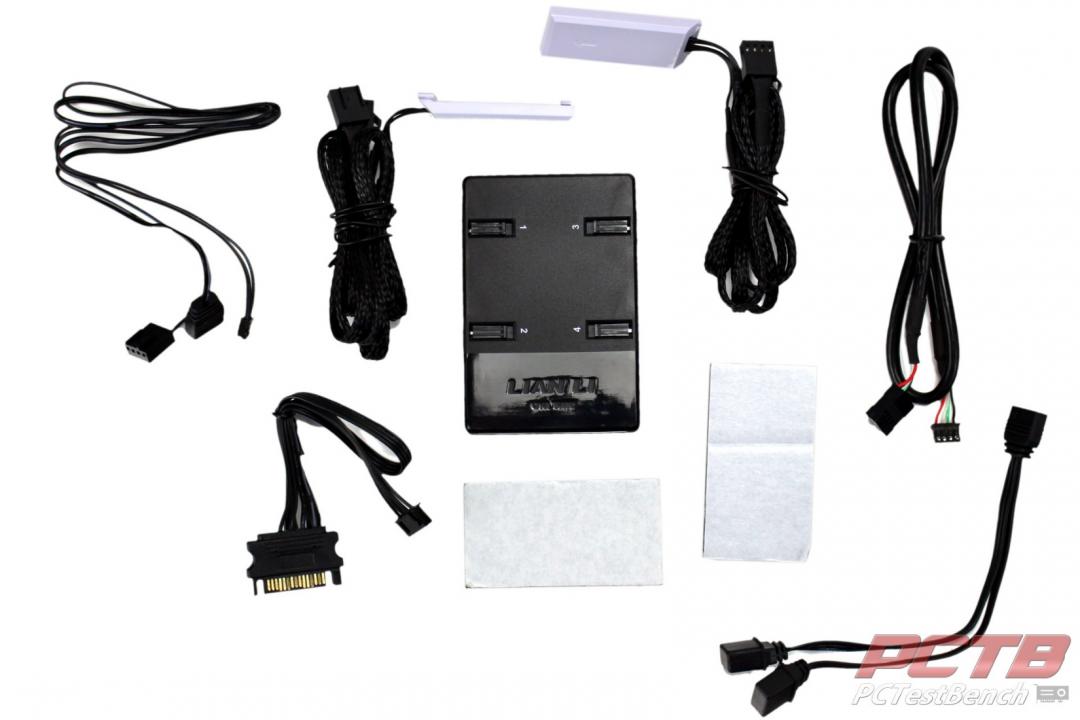
Inside the accessory box, we get the controller, another pair of connecting cables so that all 3 fans can be used independently If needed, and some cables. Cables include the SATA power cable that runs the controller, a USB cable and RGB/PWM cable, an addressable RGB splitter, and some mounting pads.
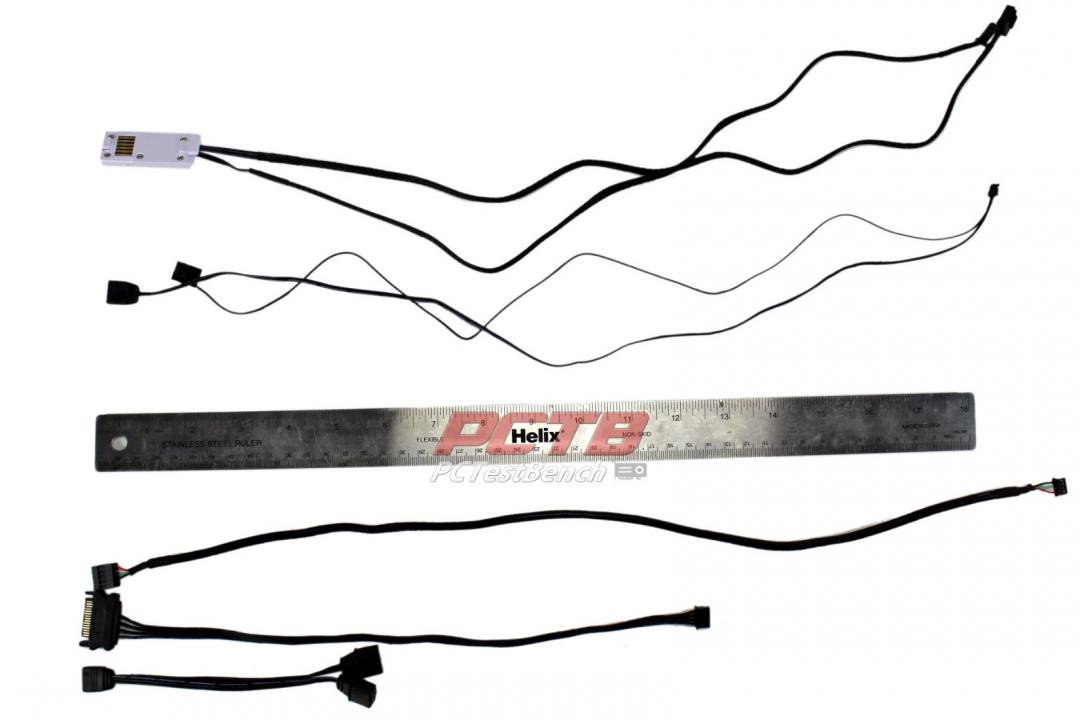
The RGB splitter cable is about 120mm long, the power cable is closer to 300mm and the rest are about 500mm long.
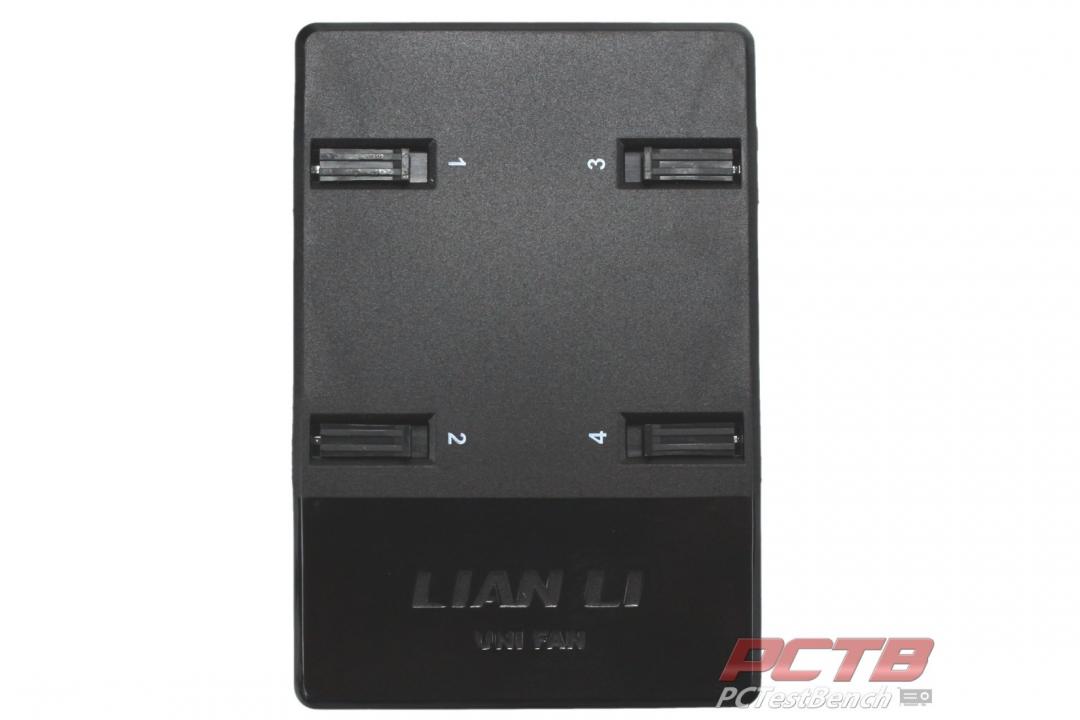
The UNI FAN controller has 4 separate channels available.
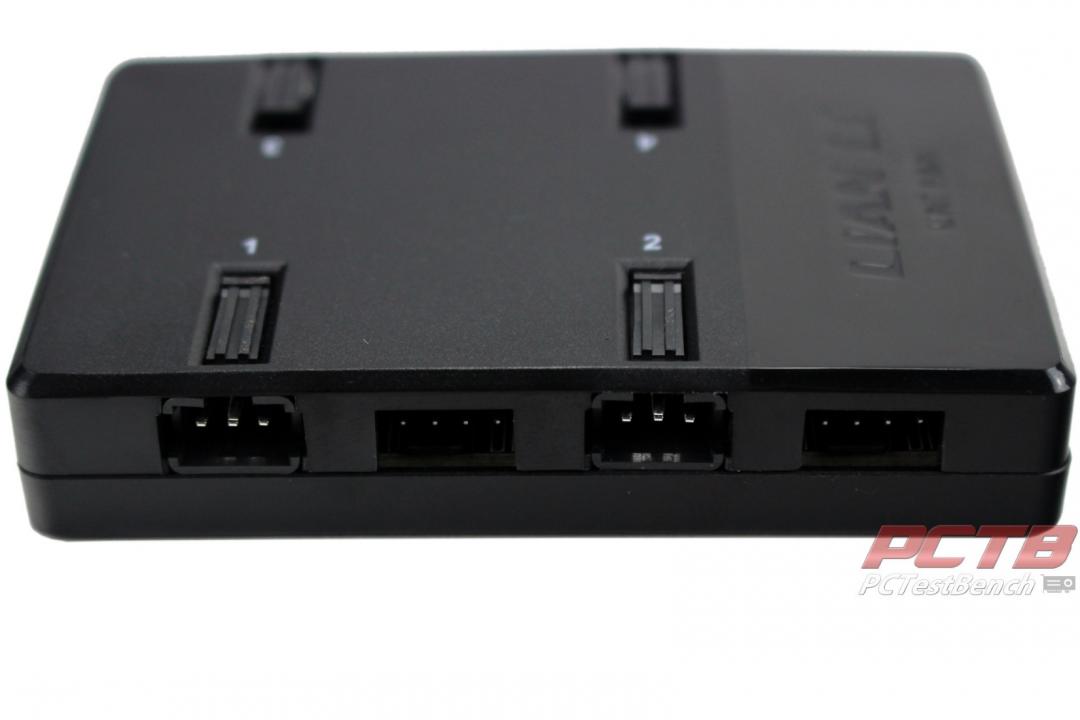
Each channel has an RGB connector that locks, releasable by pressing the tab on top, and what appears to be a standard 4-pin PWM fan header. Standard PWM fans can’t easily be connected to unused fan headers as the plastic housing is just a little too tight around the connector.
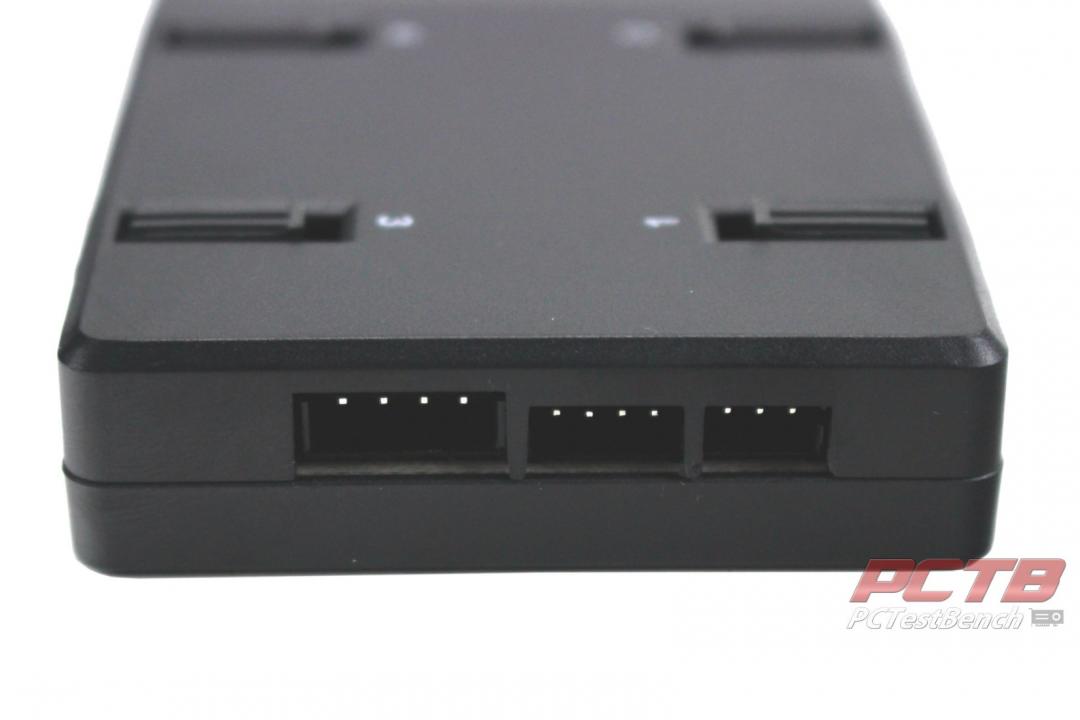
The top edge has three connectors, a large 4-pin for SATA power input, a smaller 4-pin for USB control, and even a small 3-pin to allow PWM and ARGB signals from your motherboard or another device to be passed along to UNI FANs.
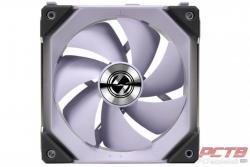
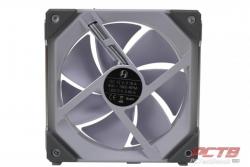
Lian Li’s UNI FANs utilize a sweeping 7-blade design that promotes high static pressure. Rubber dampers cover each of the 8 corners to minimize vibration and noise. Chrome accents on the center hub and two of the outer edges really make the fan look great when viewed from the side.
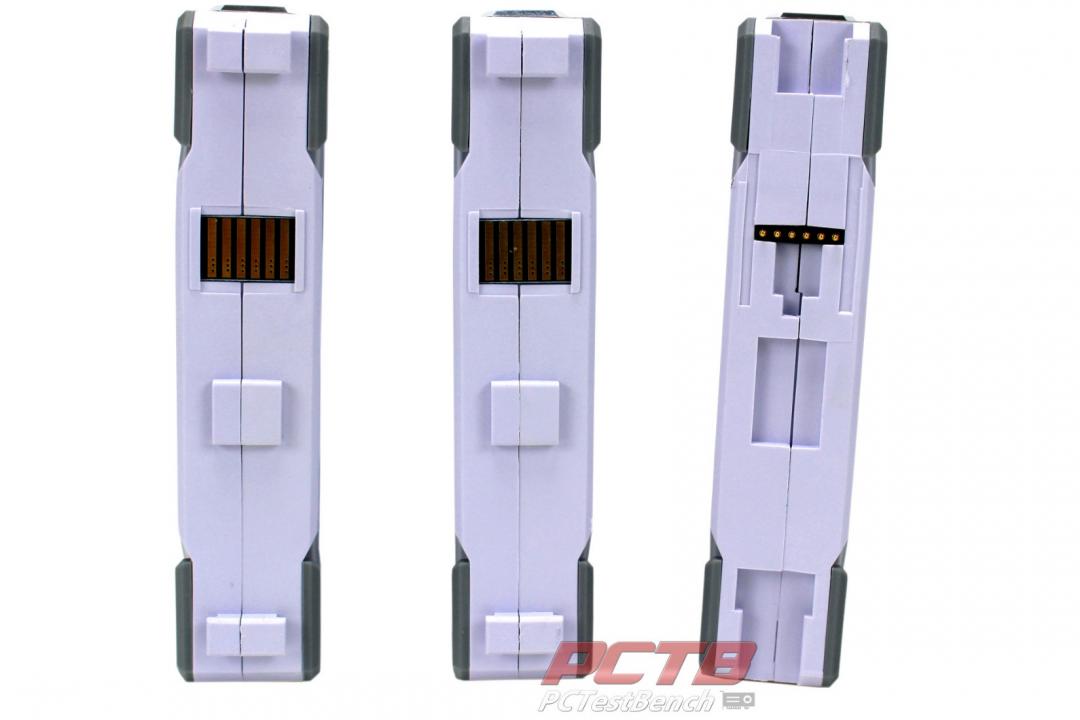
The other two edges are more for function and are the secret sauce that makes the UNI FAN unique. One side has male protrusions and a contact pad, and the other has female notches and spring-loaded male contact pins.
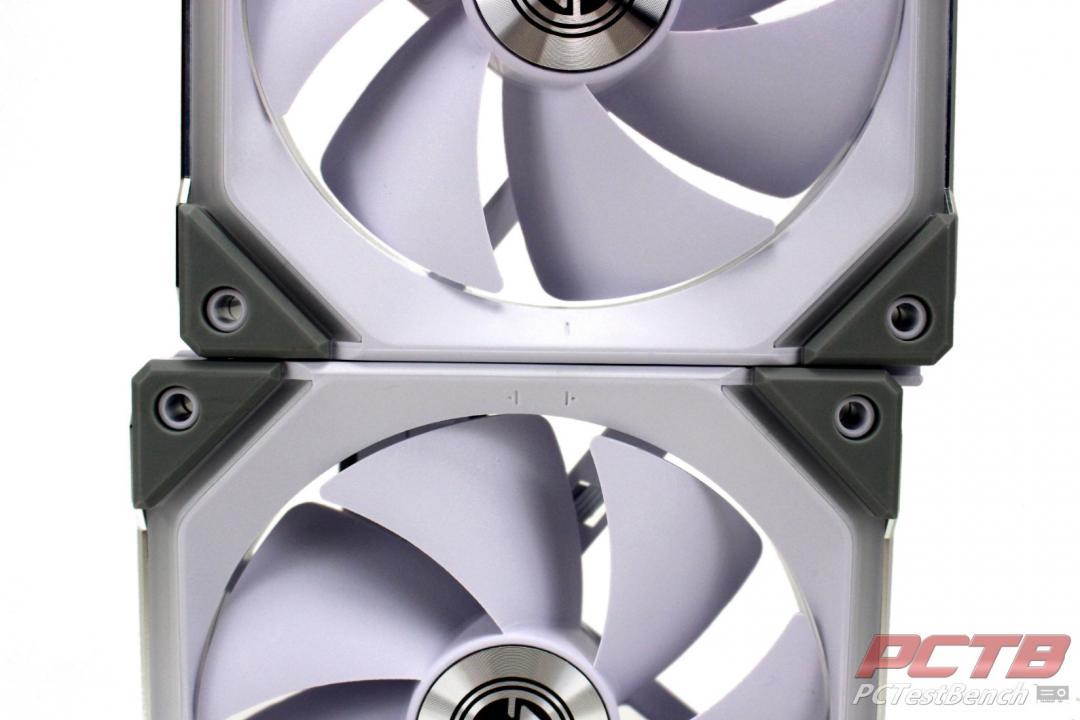
The two sides mate together.
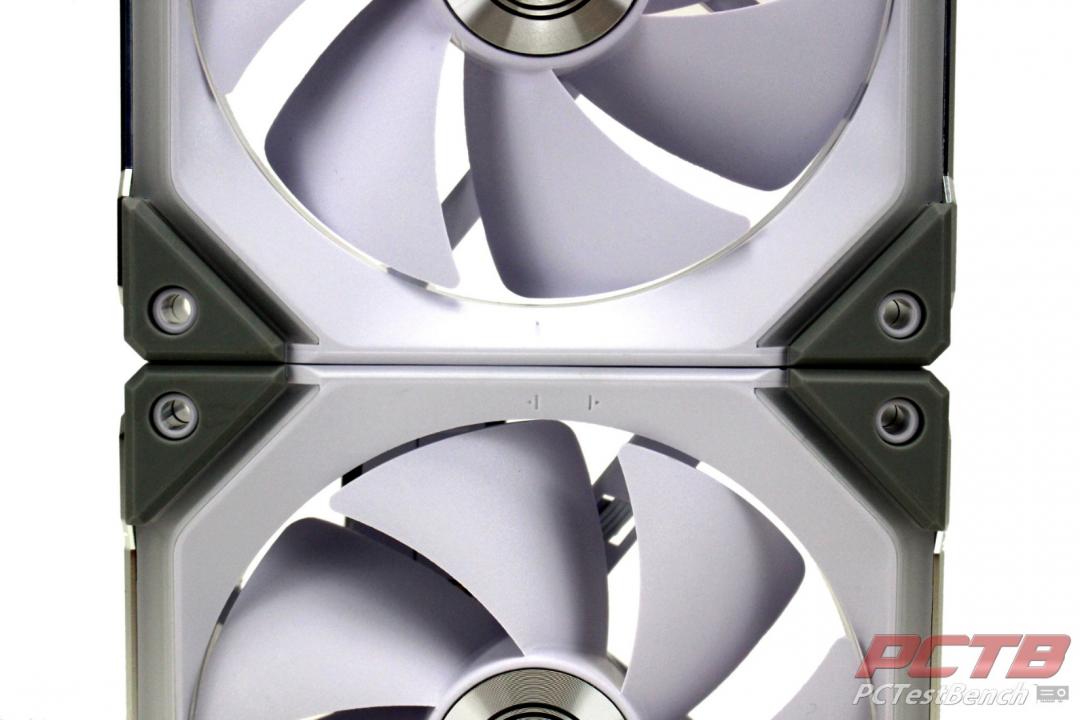
You then slide the fans sideways so that the centering marks align and the fans are now connected, not only mechanically but also electrically.
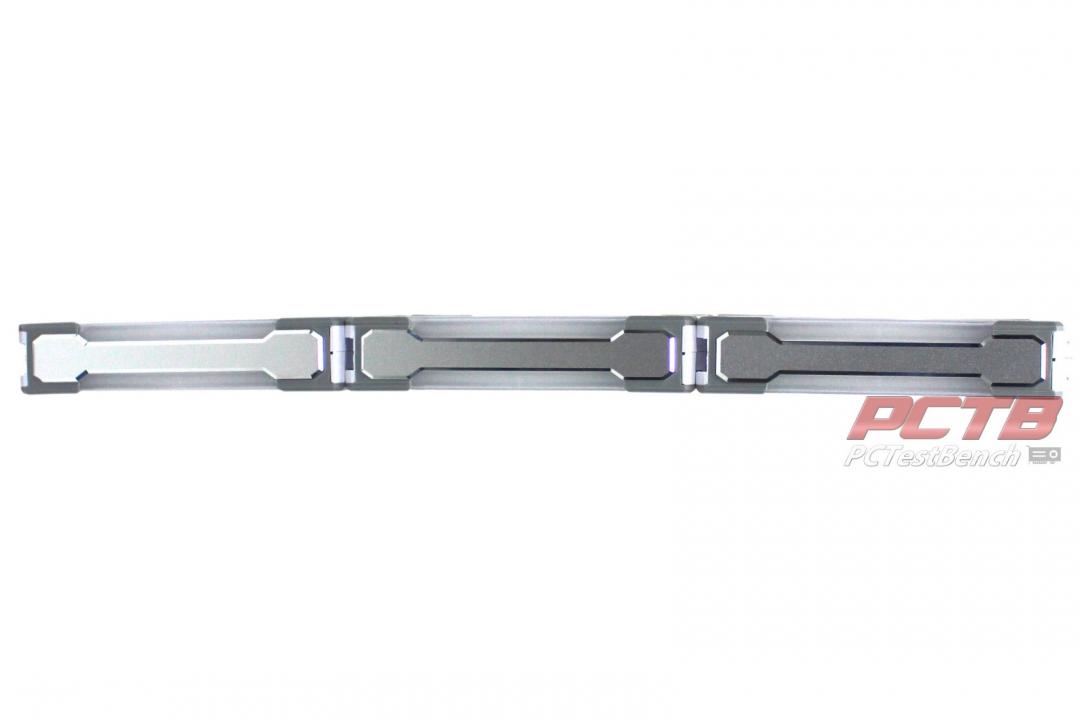
At this point, two more UNI FANs can be added up to a maximum of 4 fans, and the entire assembly is treated as a single device.
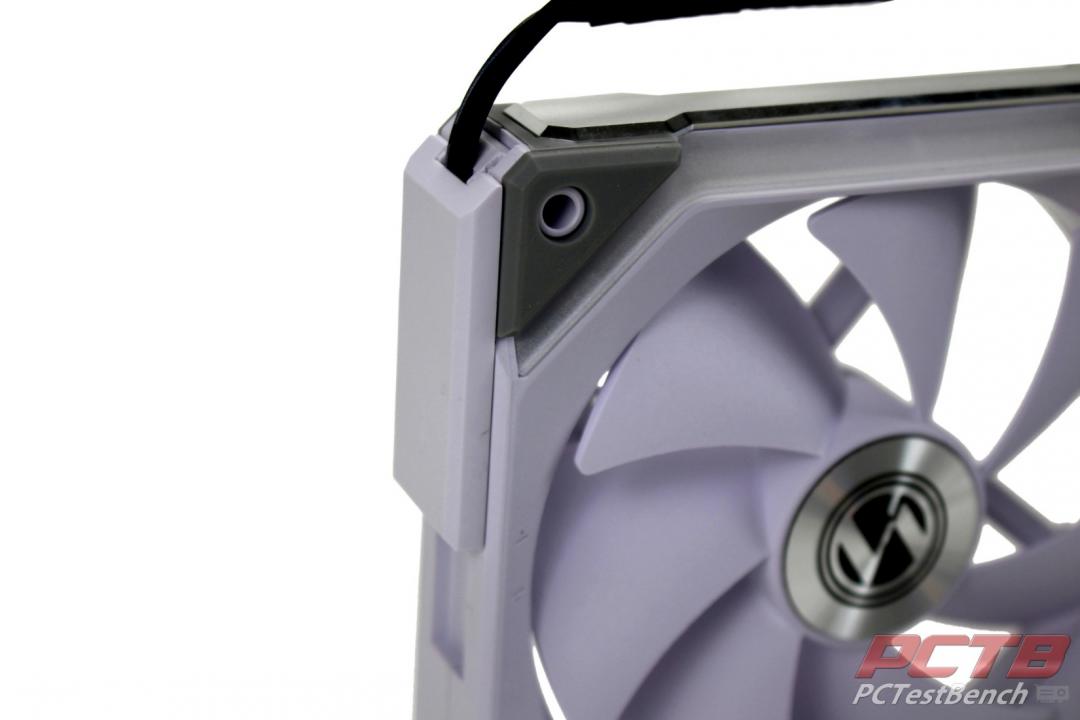
Each group of fans gets a single cable adapter than slides onto one side.
That’s really it. You now have anywhere from one to four fans using a single set of cables. They can be installed for general airflow or mated to radiators like normal or even installed on coolers.
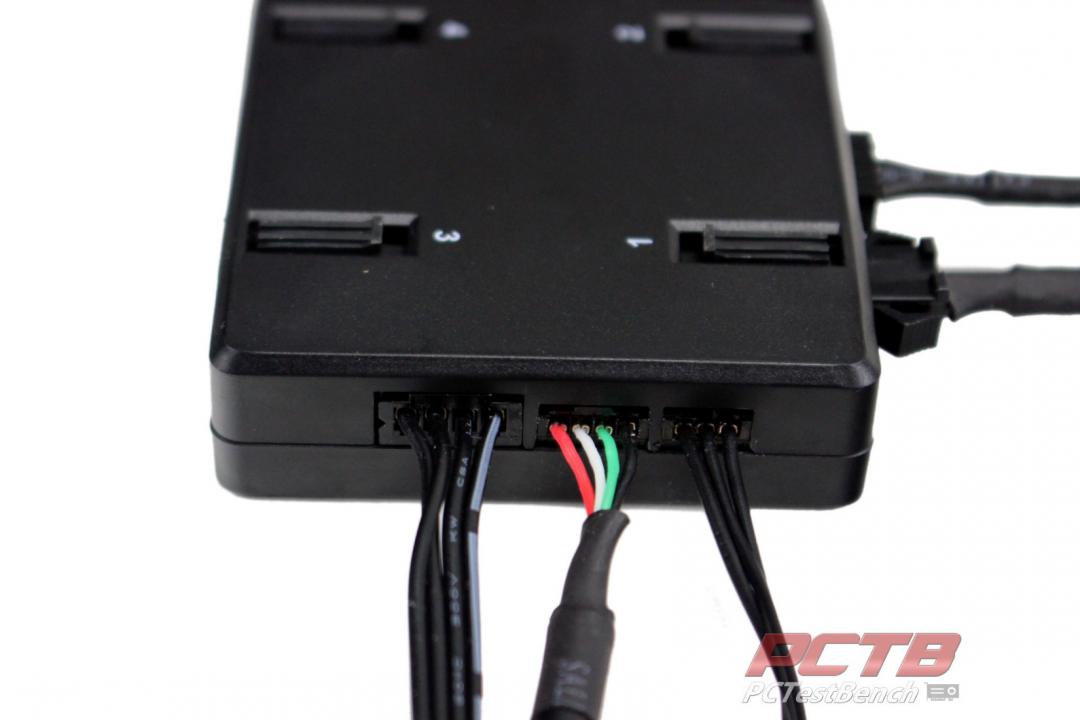
We’ll connectors our kit as one chain to channel one of the controllers and connect power and USB cables. We did experiment with the PWM and ARGB cable to control the fans without software form our motherboard headers, which worked fine but moved back to USB control.
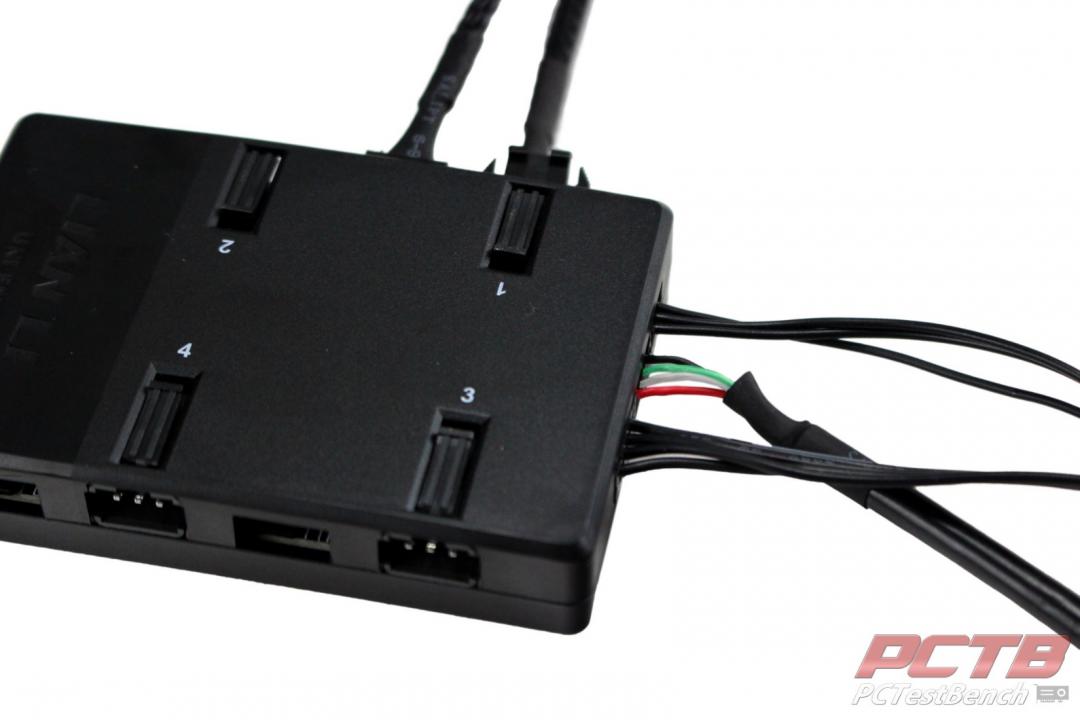
One minor note here is that the power, USB, and control cables all slide fully into the controller. You have no way to disconnect these without pulling on the wiring itself which is a bit of design oversite on Lian Li’s part. This really isn’t recommended, it’s always best for any and all electrical connections to grasp the plug itself and not pull on the wires.
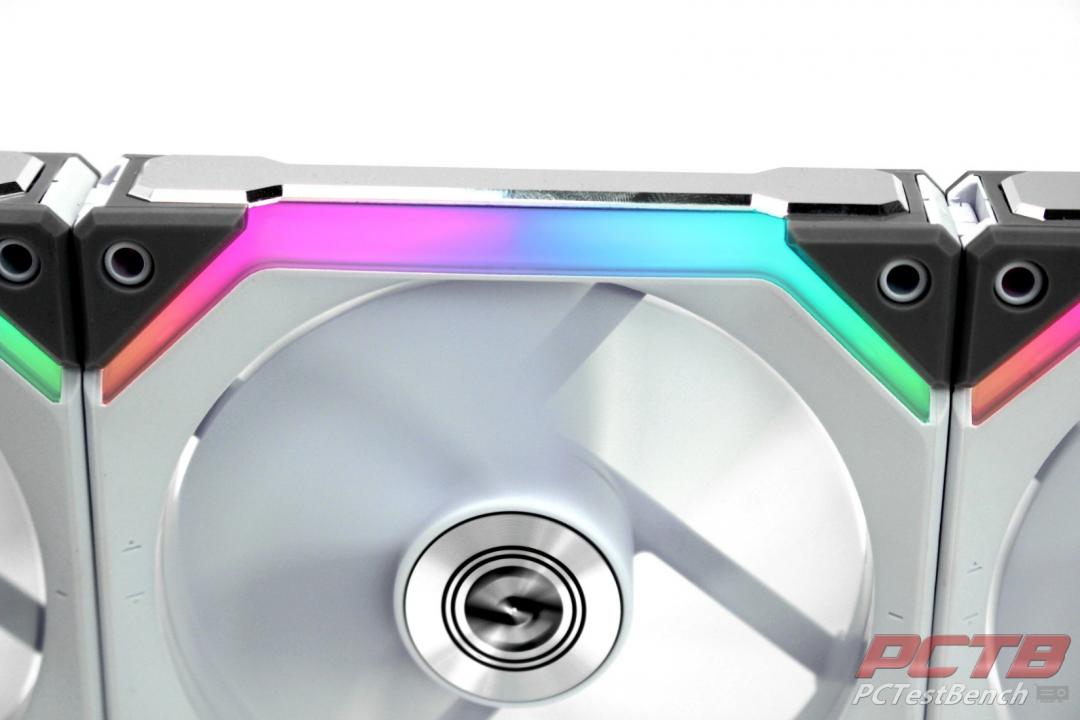
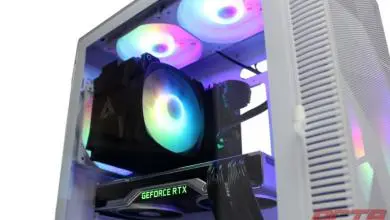
As soon as your power on the UNI FAN system, it jumps to life with a slow rainbow. The lighting is very bright and very rich.