EVGA X17 8000Hz Gaming Mouse Review
Introduction
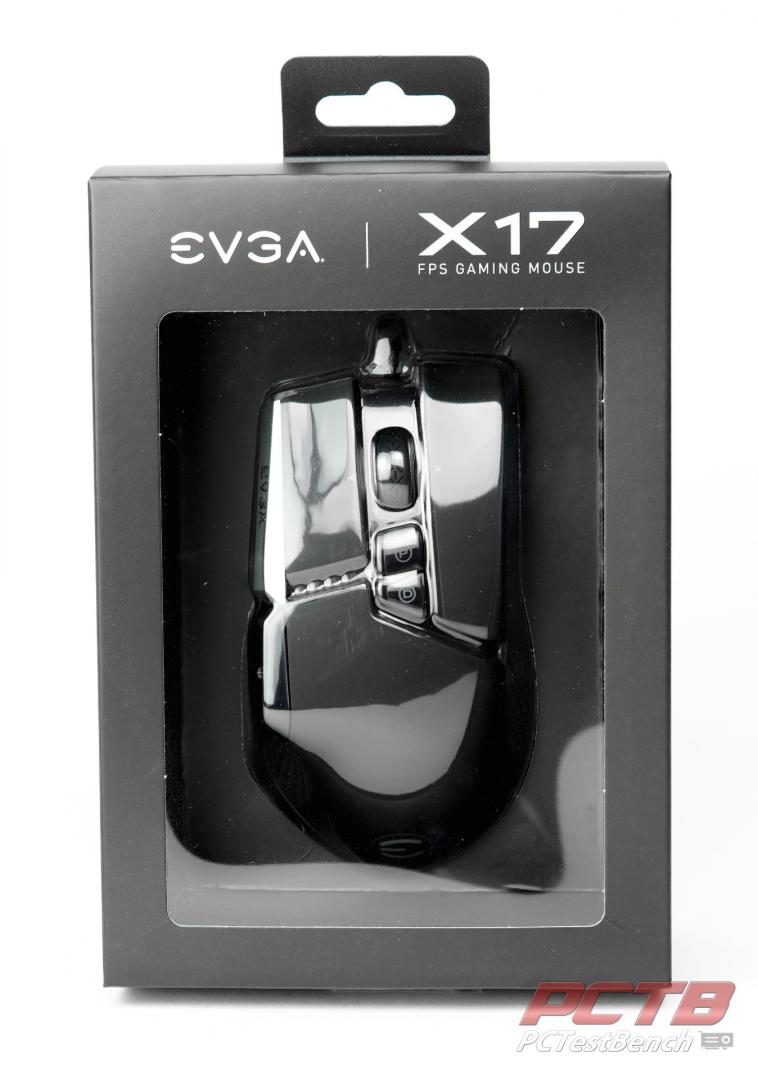
When starting a new build or upgrading a current one, peripherals are often overlooked unless they are broken. This really shouldn’t be the case as a good keyboard or mouse can give you that slight edge to become victorious. EVGA’s new X17 mouse promises to perform under pressure with its high-speed USB connection, super low friction mouse feet, on-the-fly DPI settings, 16,000 dpi sensor, and a customizable weight system. In addition to these performance features, it also looks great with its 3-zone RGB lighting that can be configured with EVGA’s Unleash software. This mouse finds its price on the upper end of mice with an MSRP of $79.99 and can be purchased right from EVGA’s online shop.
PC Test Bench would like to thank EVGA for sending us the X17 Gaming Mouse to check out!
EVGA’s take on the X17
Features:
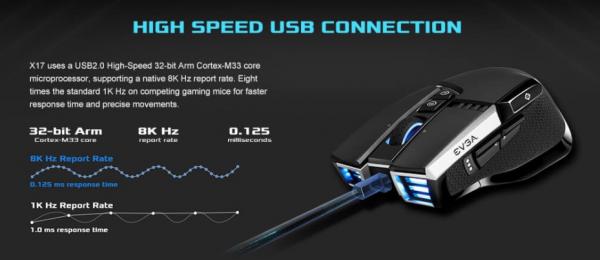
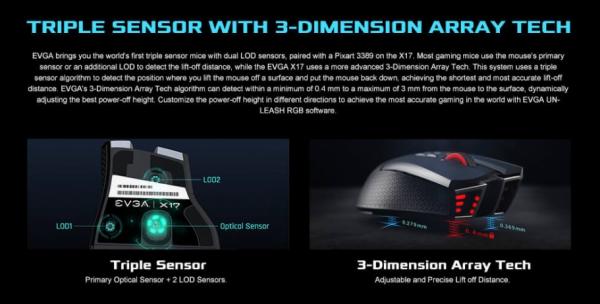
Specifications:
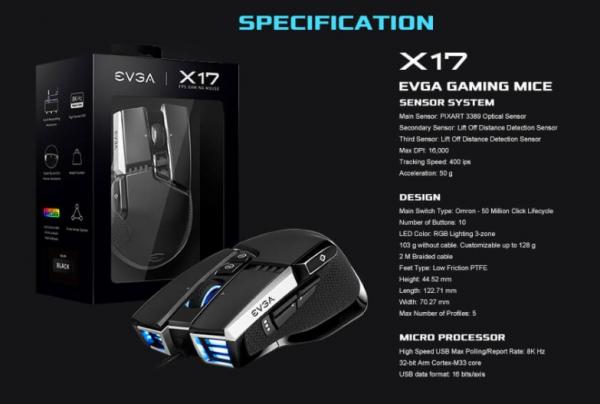
| Main Sensor | PIXART 3389 Optical Sensor |
| Secondary Sensor | Lift Off Distance Detection Sensor |
| Third Sensor | Lift Off Distance Detection Sensor |
| Max DPI | 16,000 |
| Tracking Speed | 400 ips |
| Acceleration | 50g |
| Main Switch Type | Omron – 50 Million Click Lifecycle |
| Number Of Buttons | 10 |
| RGB Lighting | 3-zone RGB Lighting |
| Max Polling/Report Rate | 8000Hz |
| LED Color | RGB |
| Feet Type | Low Friction PTFE |
| Max Number of Profiles | 5 |
| Height | 1.75 in / 44.52 mm |
| Length | 4.83 in / 122.71 mm |
| Width | 2.77in / 70.27 mm |
| Min/Max Weight | 103g/128 (without cable) |
| Product Warranty | 3 years |
A Closer Look
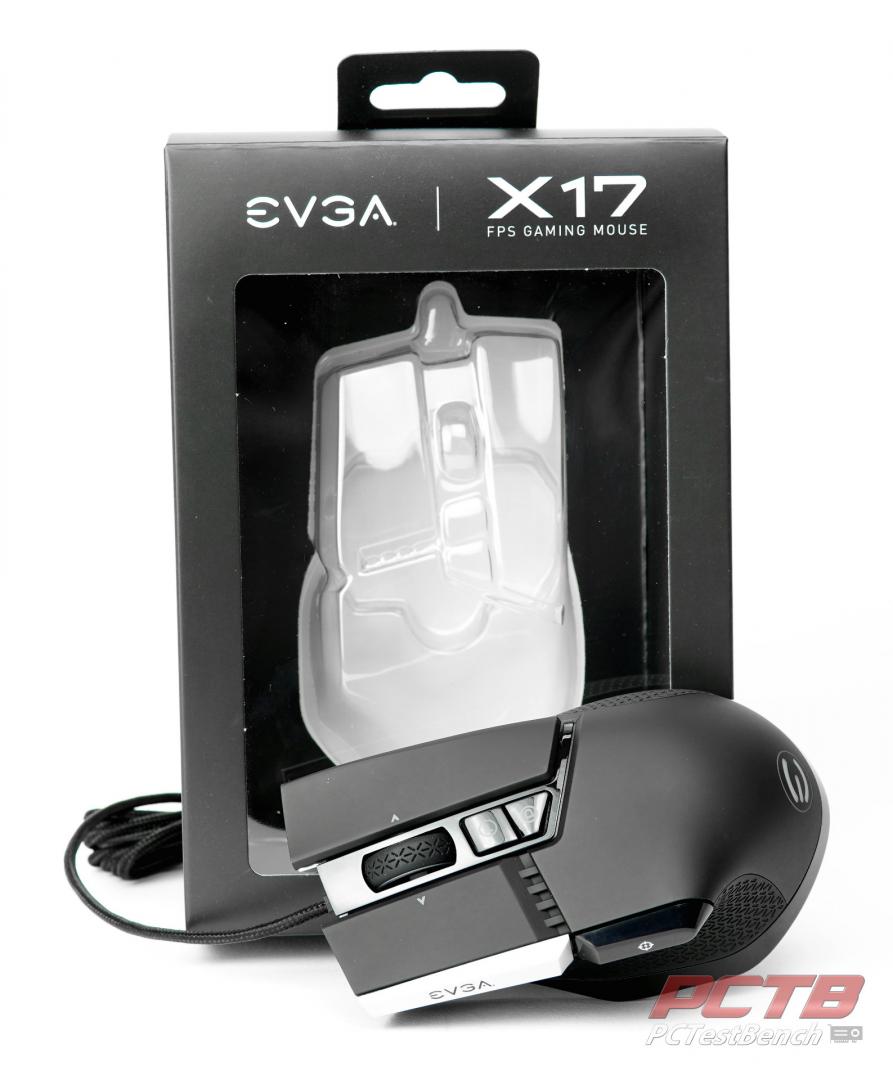
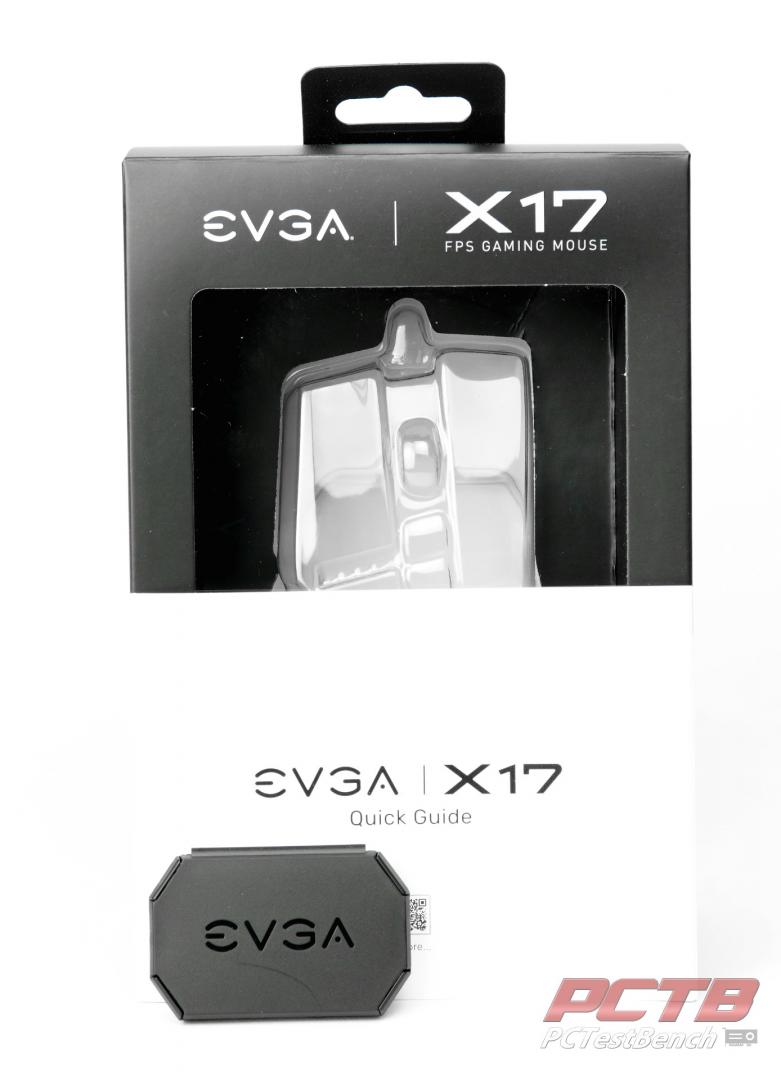
EVGA’s X17 arrives in an all-black box display the X17 through a clear molded plastic shell. Opening the box in addition to the X17 mouse we find a quick start guide, as well as a small EVGA, branded black case.
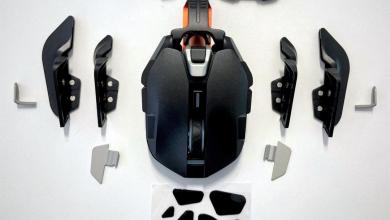
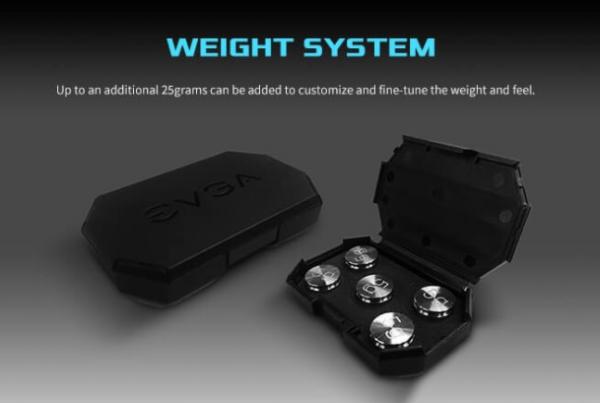
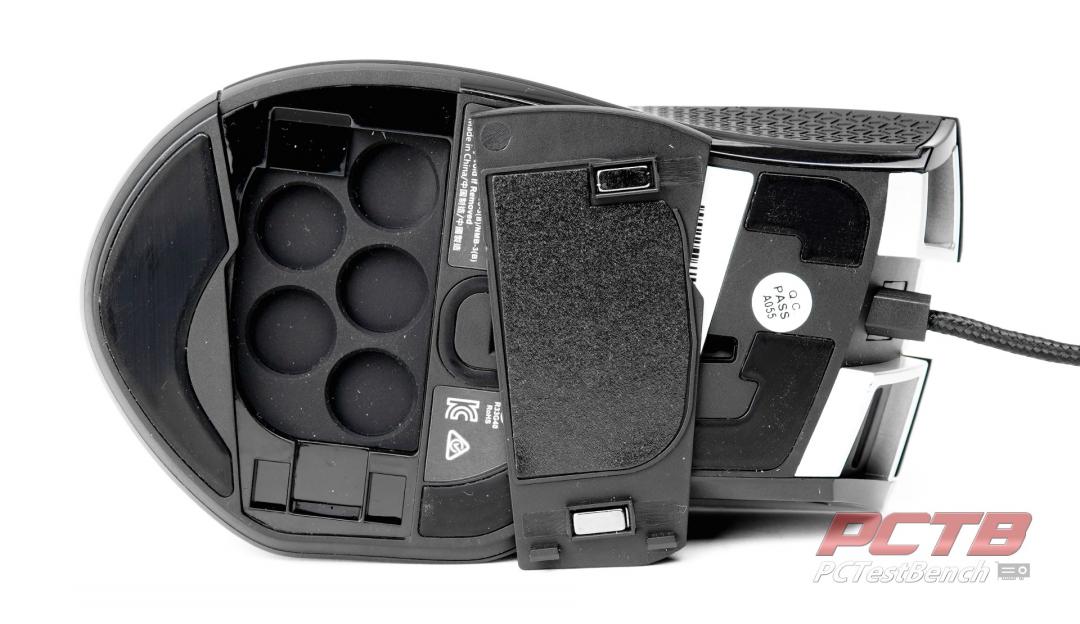
Peeking inside the small case reveals five weights each measuring in at 5g. These can be used to increase the base weight of 103g of the X17’s to a maximum of 128g.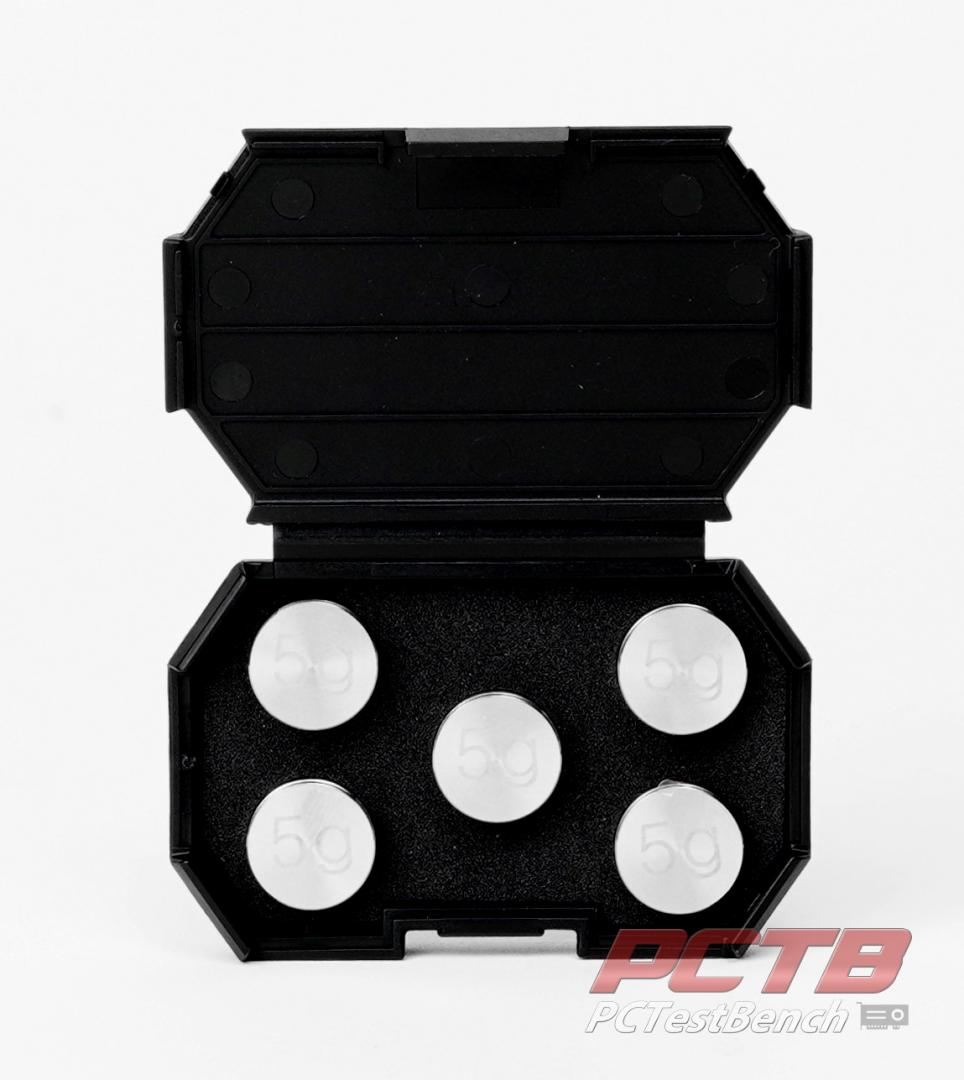
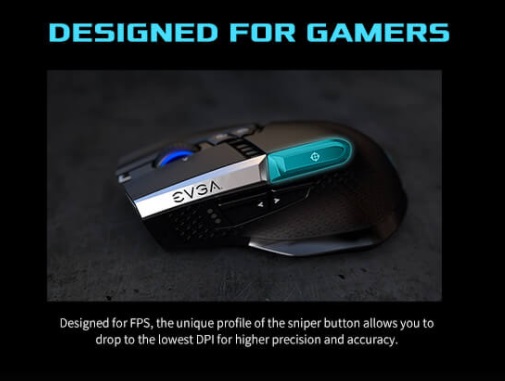
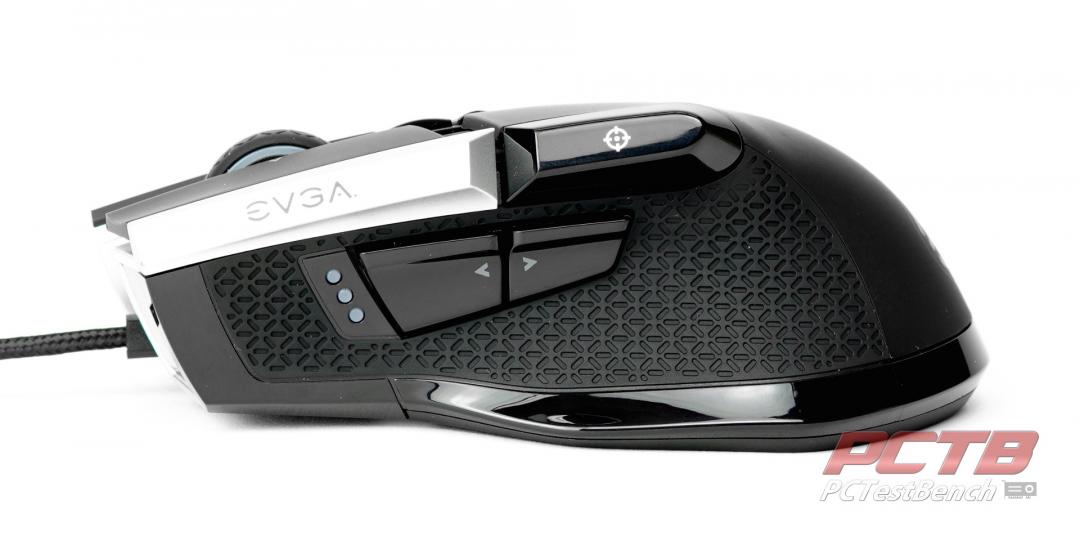
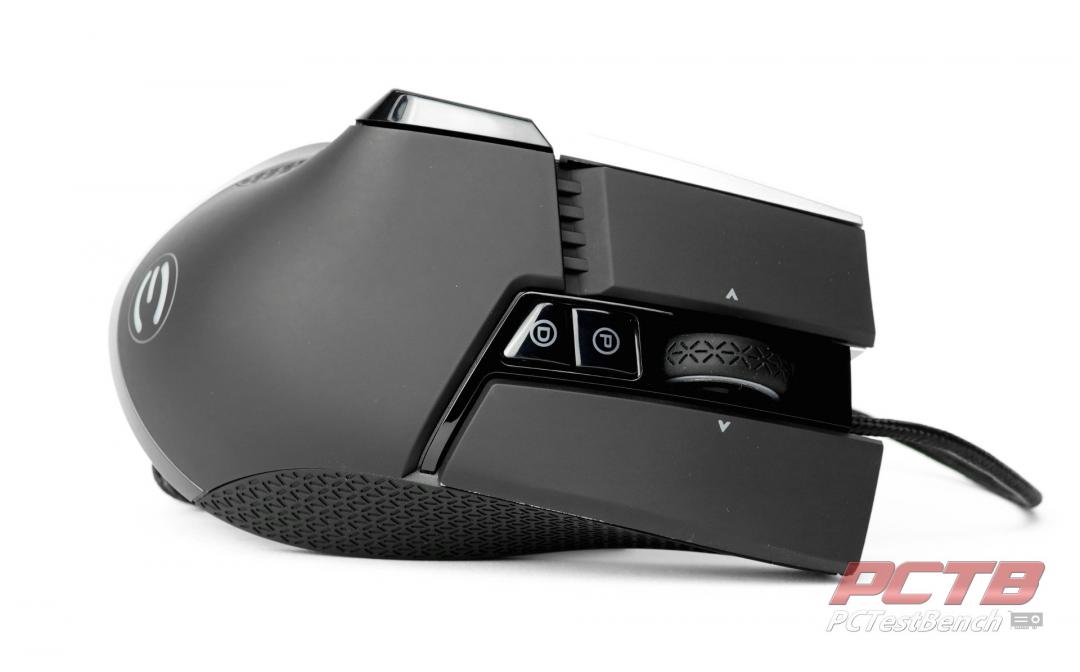
With the X17 now fully unboxed and in our hands the first thing that we noticed was how contoured it was. It instantly felt that it belonged in our hand and was extremely comfortable out of the gate. Checking out the right side of the X17, we find two side buttons, an FPS sniper button, and an LED indicator. The LED indicator is used to identify the selected DPI setting by seeing which LEDs are lit up. In addition to the button full side is also covered in soft textured rubber which feels great in hand and gives you a great gripping area.
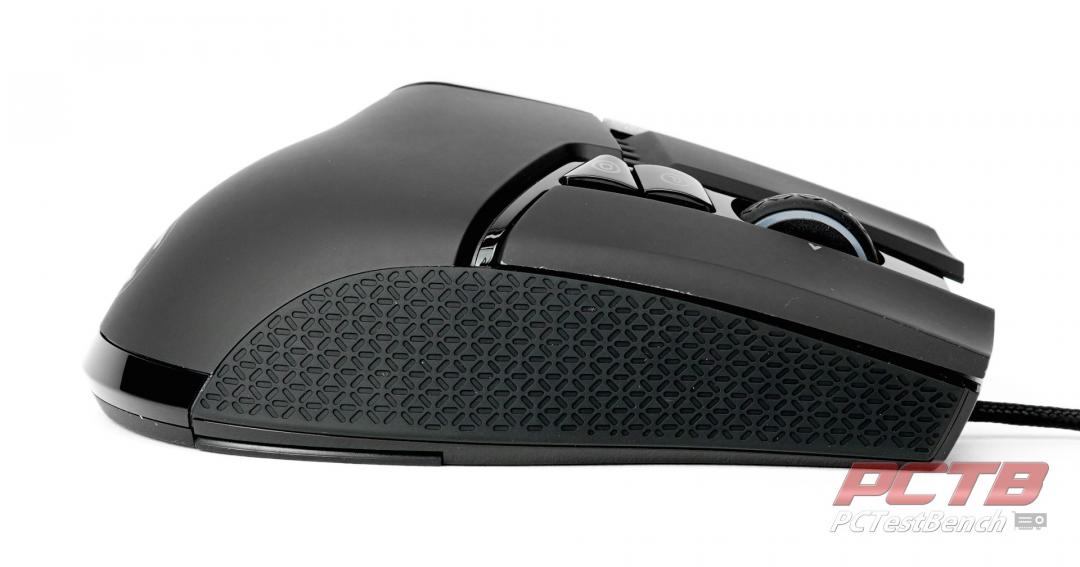
Move to the other side, it is also covered in the same textured rubber to prevent the X17 from slipping from your hands.
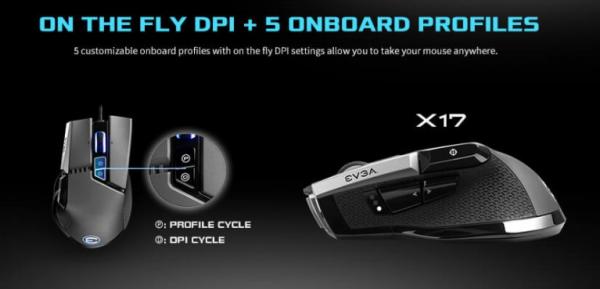
Moving to the top of the X17, unlike the sides the surface is extremely smooth and contains 4 buttons and a scroll wheel. Like many mice, the X17 has both right/left click buttons and has two additional ones in the center that are used to cycle profile/DPI settings by default. Taking a closer look at the scroll wheel, it uses the same texturized rubber as the side for grip, has an RGB LED on both sides, and can be pressed down as a button.
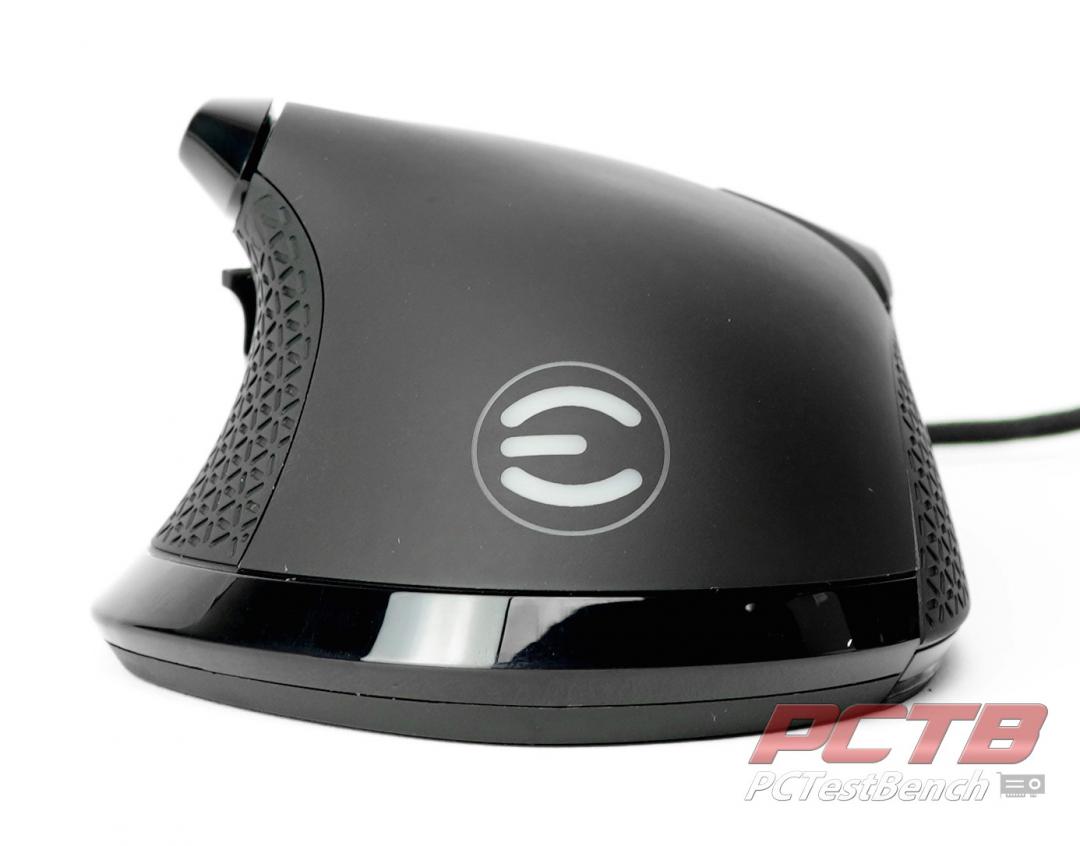
Towards the back of the mouse, there is the second RGB lighting element which lights up an EVGA logo.
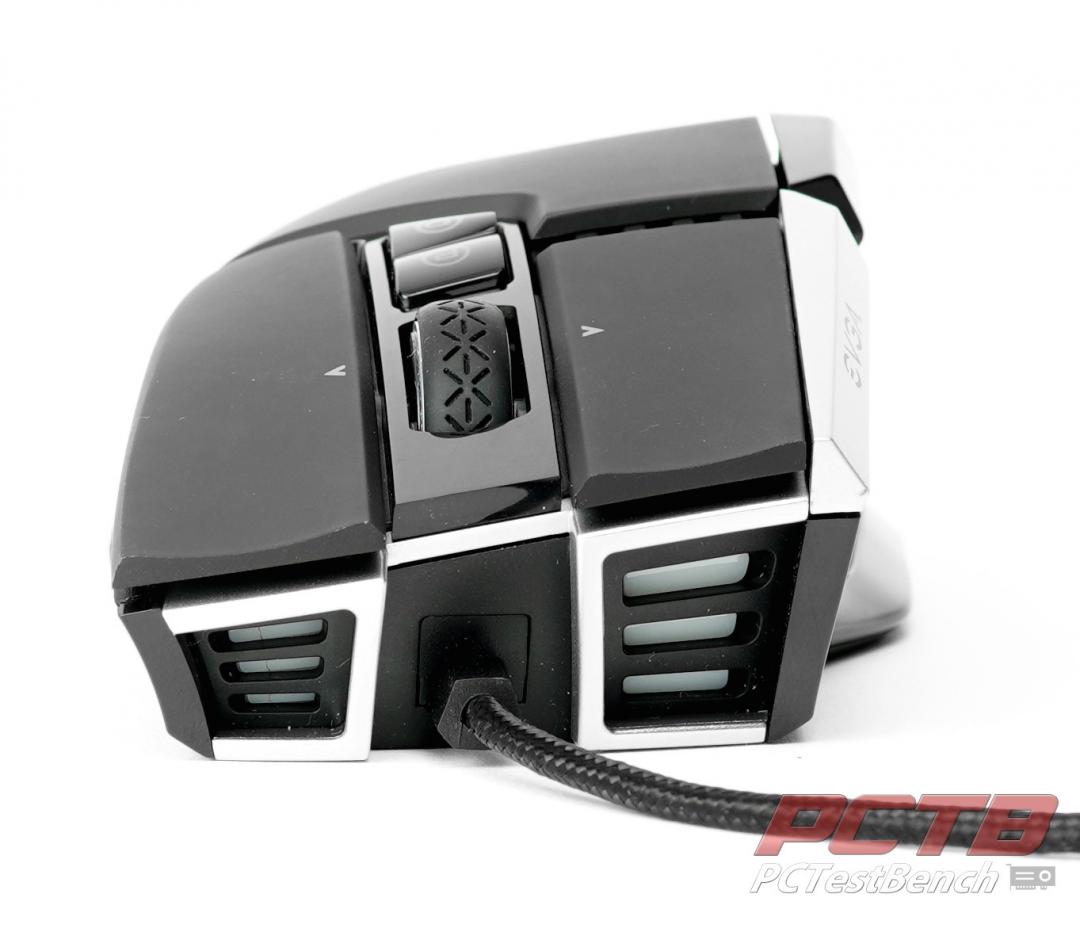
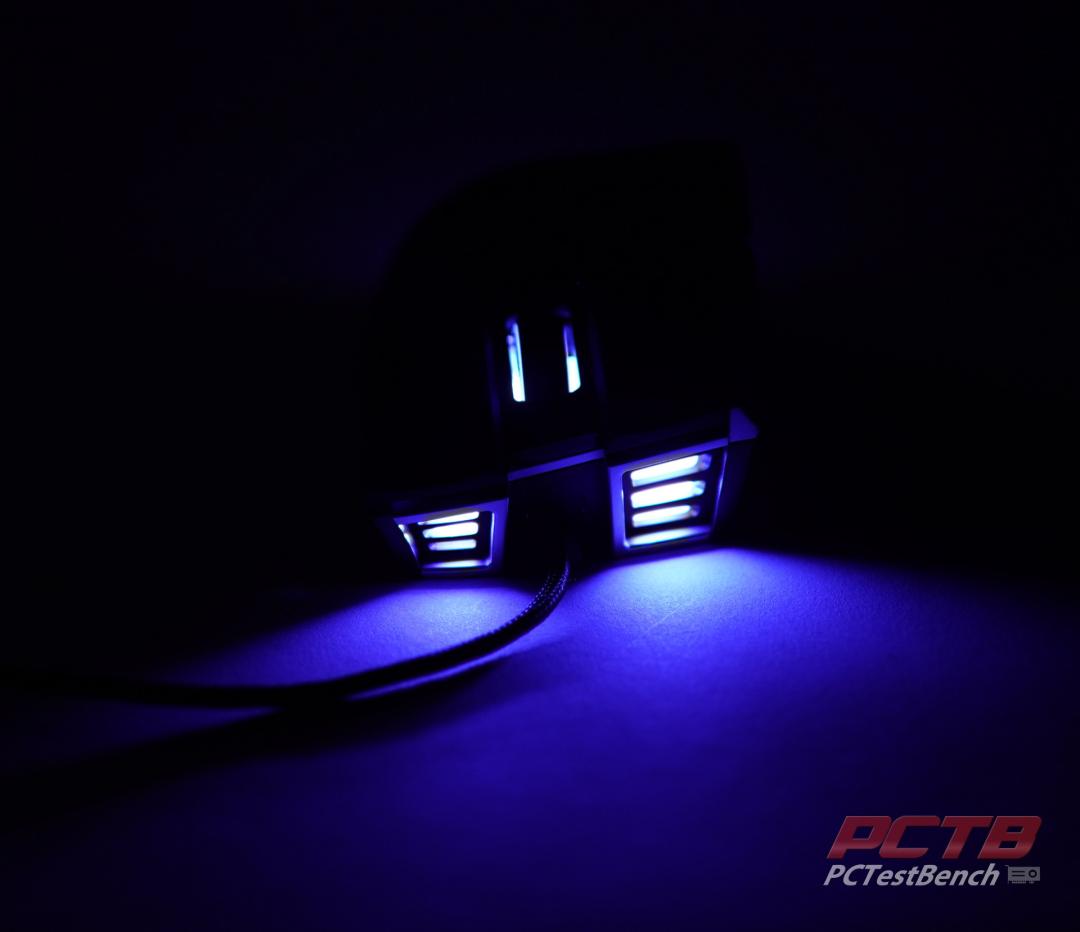
Moving to the front of the mouse is the last of the three RGB elements with 3 light bars on either side of the cord.
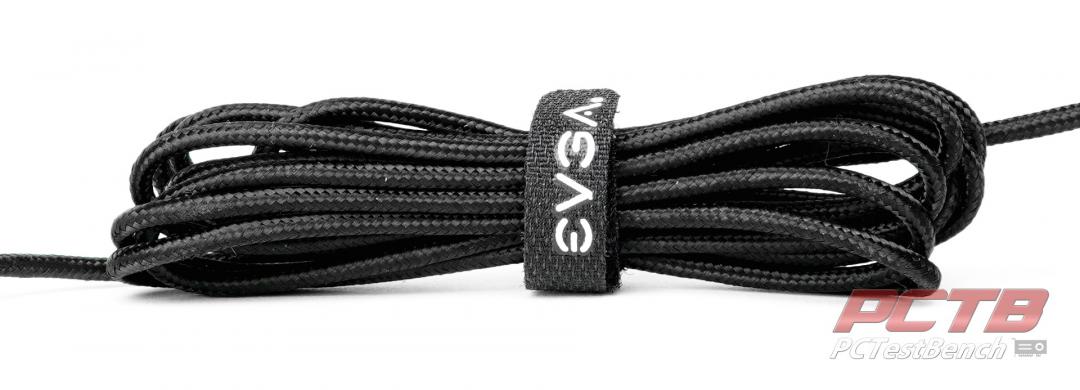
It’s nice to see the X17 went with a braided cord as it adds a premium feel to it and is much better than its plastic counterpart seen in cheaper mice. EVGA has also included a Velcro strap to neatly manage the X17’s cord which is a nice addition.
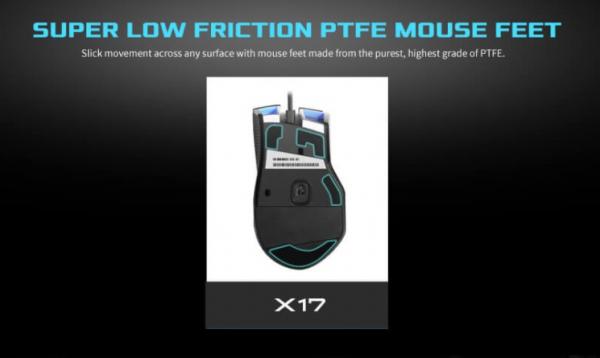
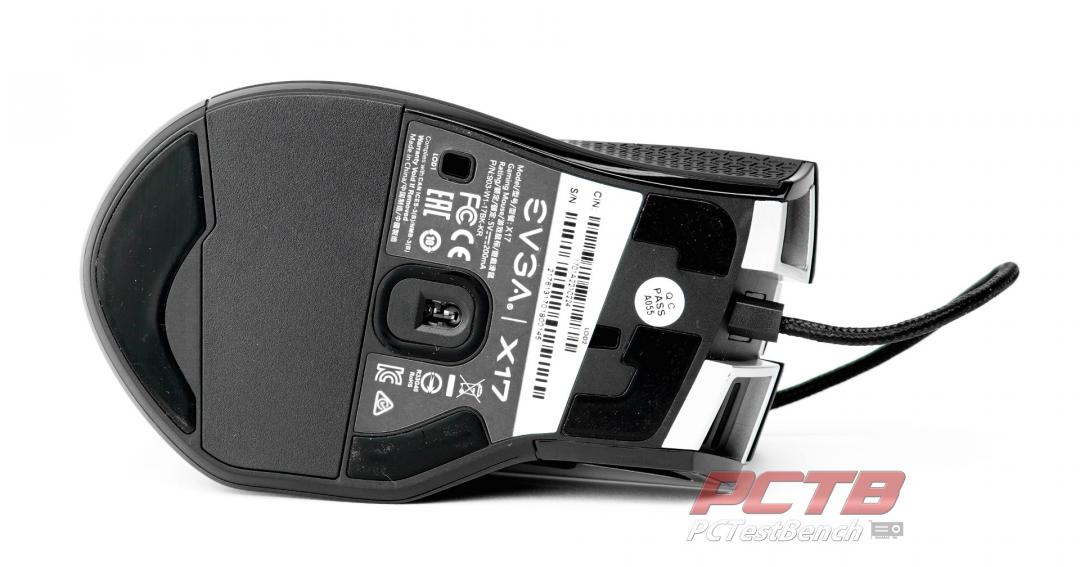
Flipping the X17 on its back we get a view of the bottom of the mouse which sports four ultra-low friction feet, two LOD sensors, a primary 16,000 DPI optical sensor, and a hidden compartment for the included weights.
If you a fan of heavy mice and the X17 103g is a little light to you pop off the magnetically attached cover and place up to five weights into the X17. This can bring the X17 up to a maximum weight of 128g by filling all 5 slots with a 5g weight.
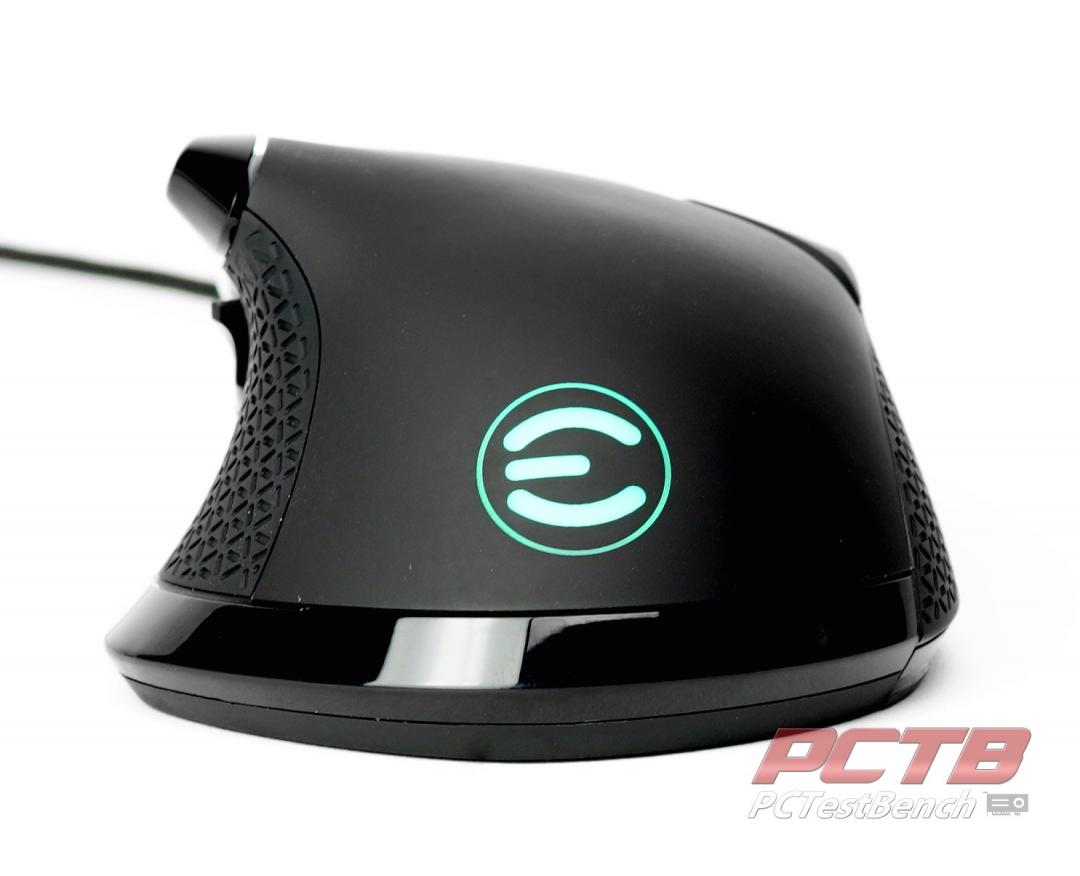
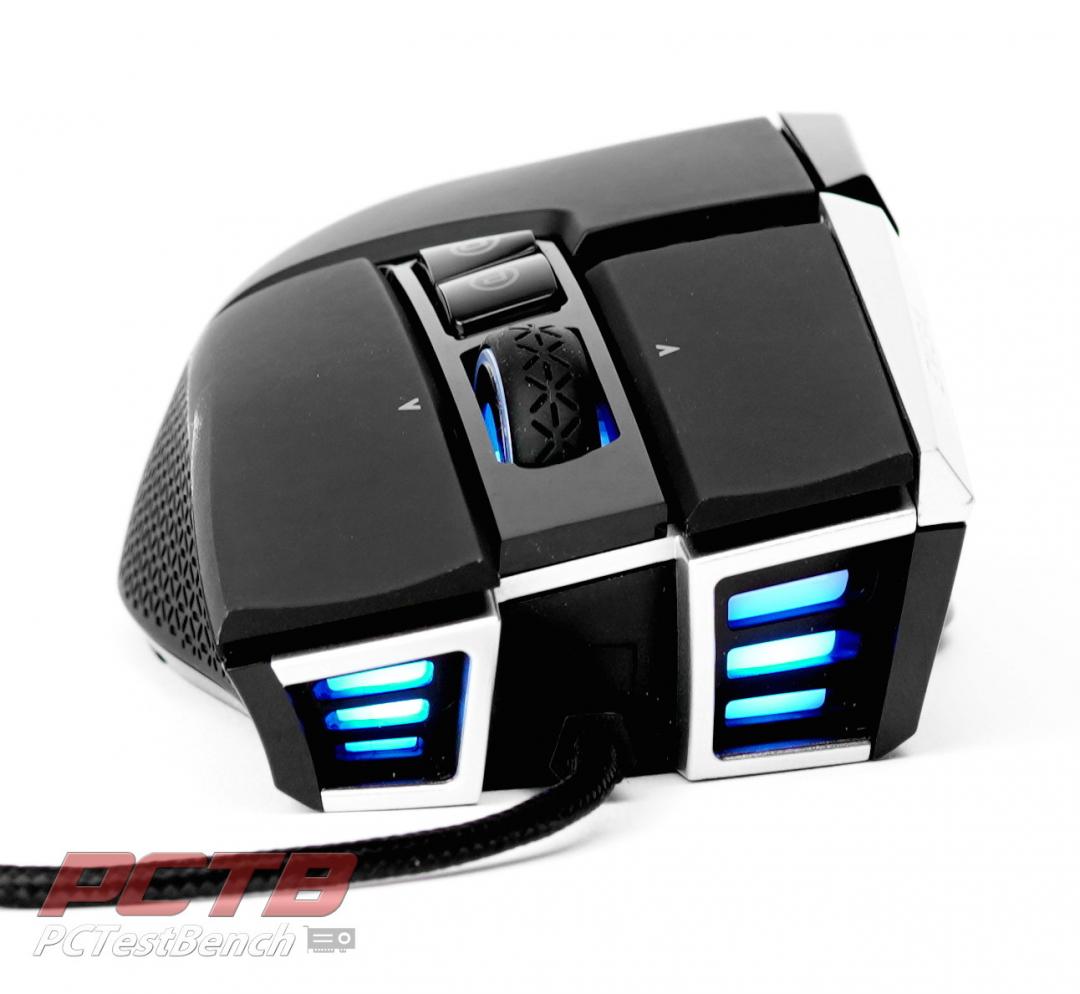
Once we plugging in the X17 for the first time each of the three RGB zones lit up in “Rainbow” mode.
Software & Testing
EVGA Unleash
EVGA gaming mice come complete with a full software package that allows complete control over the mouse. Customize the color, button settings, DPI and profiles. The EVGA Unleash software also has an OSD (On Screen Display) that makes it easy to see what profile or DPI setting you are using!
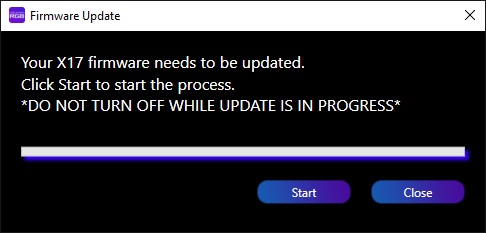
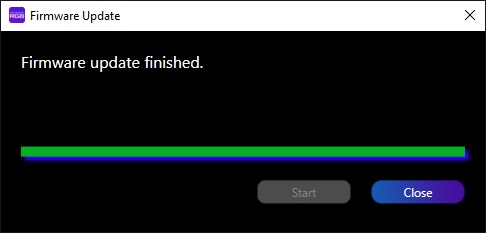
Upon starting the Unleash software for the first time it noticed that there was newer firmware available for the X17. I clicked start to start the install of the new firmware and the process only took a few minutes to complete. Once completed it let me know that the firmware was now up-to-date and once I clicked close on the popup the Unleash software loaded.
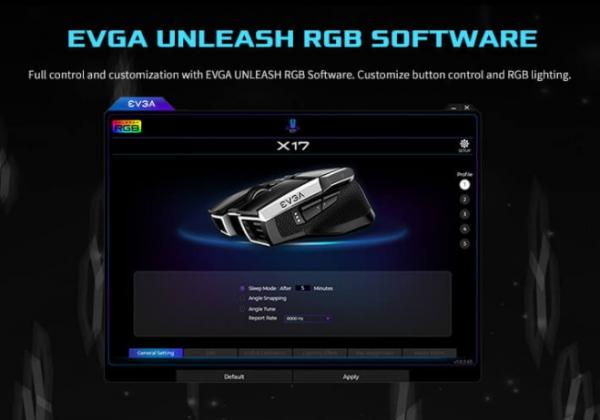
With the software now running it had no problems detecting the X17 and displayed an image of the mouse in the center of the screen. To the right on the mouse, you can find buttons for each of the five profiles with the first one being selected. On the lower part of the screen are the set menus for the X17, they include: General Settings, DPI, LOD & Calibration, Lighting Effect, Key Assignment, and Macro Editor.
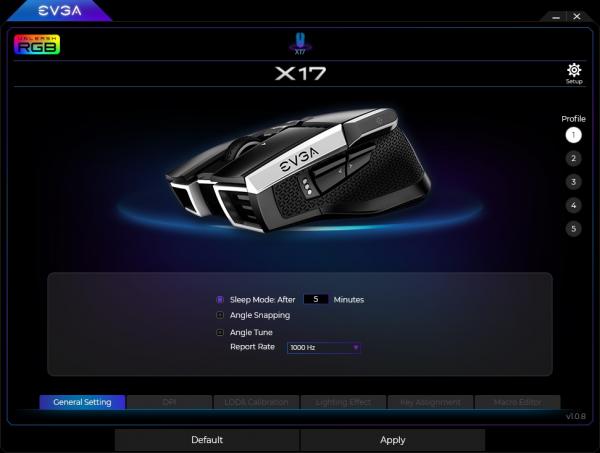
Looking at the General Settings menu allows you to adjust settings such as when to enter sleep mode, angle snapping, angle tune, and report rate.
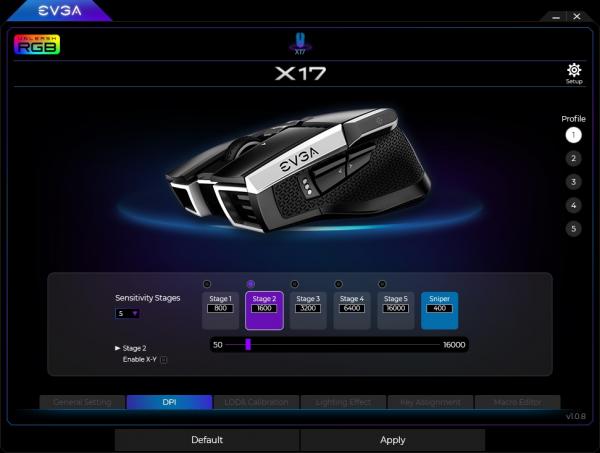
Moving to the DPI menu you can set the Sensitivity Stages from 1 to 5, adjust each of the five DPI profiles, the DPI of the sniper button, and toggle X-Y. If you enable X-Y this allows you to set individual DPI for the X and Y-axis.
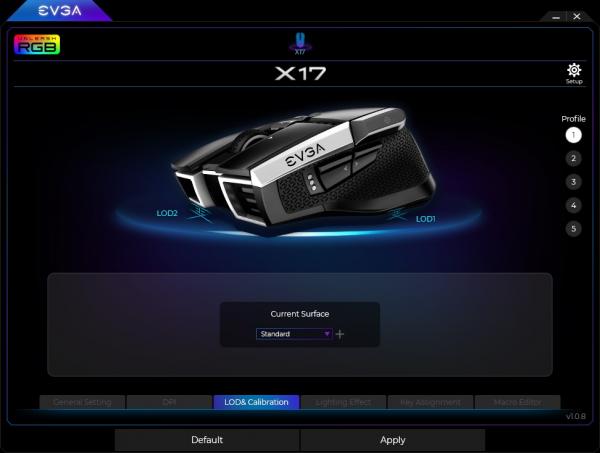
The next screen “LOD & Calibration” allows you to calibrate the mouse to the mouse pad you are using. By default, the “Standard” profile is used but you can easily click the “+” button to create a custom profile.
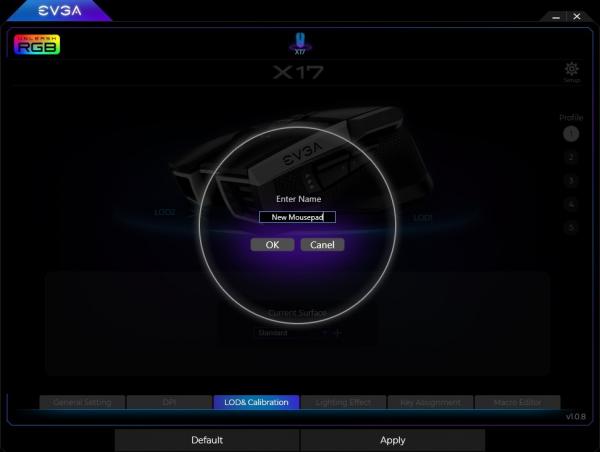
Once you click the “+ button it will prompt you to name your configuration and click “OK” to start the calibration.
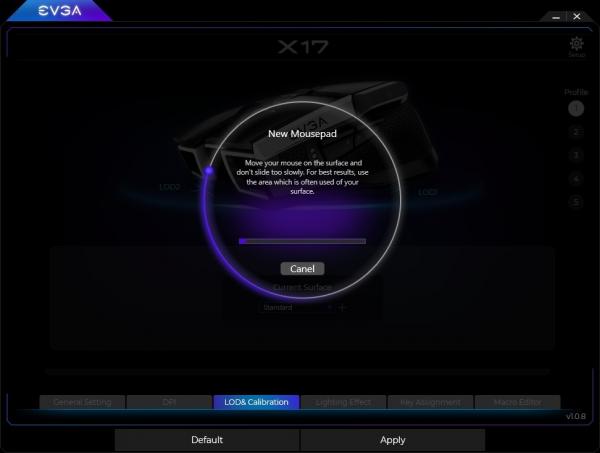
Once the calibration has started you just slowly drag the mouse across the most used part of your surface until the calibration is complete.
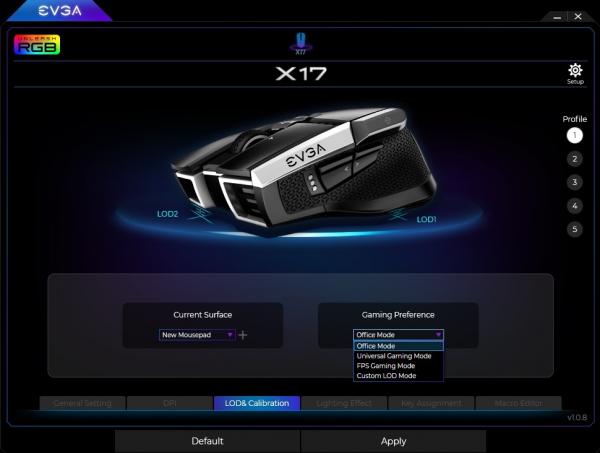
Once the calibration has been completed you will be presented with a Game Preference Mode dropdown to further tweak the X17.
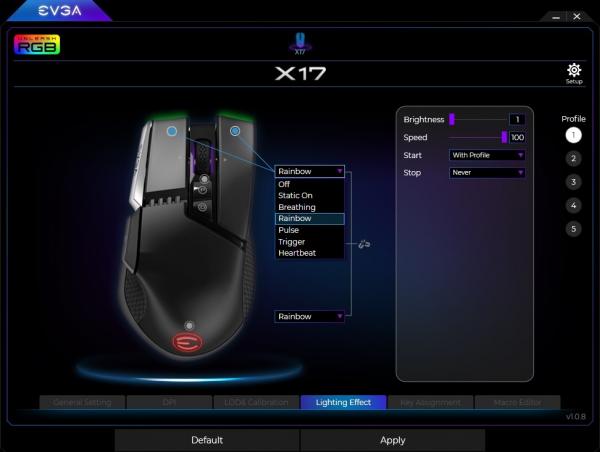
Moving to the new menu item “Lighting Effect” is where you can configure the visuals of the X17. There is a total of 6 lighting effects that can be applied to the 3 RGB zone of the X17. These settings can be applied to each zone separately or all three zones can be synced with the “chain link” button. Each of the 6 lighting effects has its own set of settings such as brightness, speed, color, start, and stop. The lighting effects you can apply to the X17 are as follows:
- Static On – Display a static color
- Breathing – Colors breath in and out
- Rainbow – Color blend/fade into each other giving a rainbow effect
- Pulse – Colors pulse on and off
- Trigger – Color is that starts/stops based on a trigger
- Heartbeat – LED blink in a heartbeat type pattern
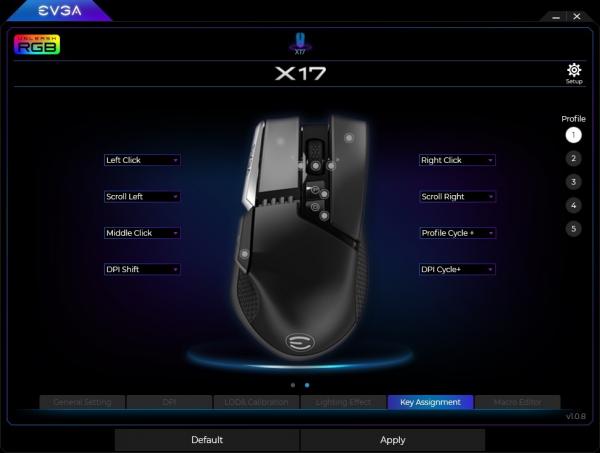
The next menu “Key Assignment” also you to configure each button of the mouse if the default assignments are not to your liking or do custom actions such as Play/Stop media and assign macros.
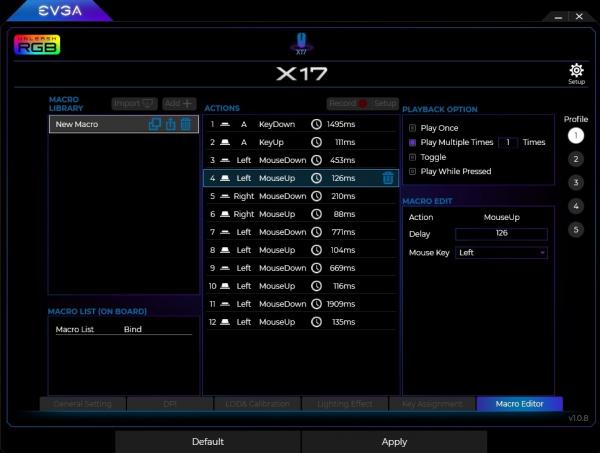
The final menu item “Macro Editor” allows you to create complex macros that you can assign to buttons using the “Key Assignment” menu.
Subjective Testing:
Now that the X17 has been configured to my liking it was time to put it through the paces with some FPS goodness. The game a choose is one of my favorite competitive FPS’ CS: GO which I played a total of 8 hours with the X17.
From the get-go, the X17 felt extremely comfortable in the hand thanks to its great contours and rubberized grips on the sides. I go with the palm grip when playing games but if you are a claw/fingertip player this mouse will still feel great. One feature of the X17 that stood out was the no friction feet on the bottom of the mouse. I was able to easily glad the mouse quickly across the surface to make those ever so fast flick headshots with the AWP. Another surprise with the X17 was the amount of force and tactile feedback you get from the mouse wheel. Usually, when switching weapons, I’ll exclusively use the keyboard because it was easy to scroll past the weapon you’re looking for. With the X17 this wasn’t a problem because it required more force for each “click” with tactile feedback. Thanks to this it was convenient to use the mouse wheel when switching from pistol to knife instead of trying to hit the keys with the keyboard.
Overall, the X17 preformed great in my CS: GO sessions as it was extremely precise, comfortable, and thanks to it 8K HZ report rate it had pretty much instantaneous feedback. The comfort of the X17 alone will make it my new go-to mouse even for non-gaming activities.
Final Thoughts and Conclusion
From the moment the X17 was out of the box it impressed me with its stellar looks and comfortable form. With the X17 being an $80 mouse, I expected a lot and I’ll tell you it did not disappoint. During my CS: GO matching the X17 was the star with it being extremely comfortable in my hand and its almost effortless moment across the mouse pad. I had zero issues making fast flick headshots or holding steady waiting for someone to round the corner.
I also really like how configurable the X17 is with its 6 lighting effects, availability to create/assign macros, and even adjust its weight. For me, X17’s weight of 103g was perfect but it’s nice to have the ability to increase this to a maximum weight of 128g. The only feature that I didn’t utilize from the X17 was the trigger button but that is due to my play style and not a problem with the X17 itself.
Overall EVGA’s X17 exceeded my expectations, and I would highly recommend it to anyone looking for a mouse that can keep up with those fast-paced FPS games and looks great doing it.
 Rating 8/10
[taq_review]